
Give the job a purpose
Choose a target and an objective: recover property, extract a person, copy proof or prepare another defined task.
Give the crew more than one way through.
Prepare the target, study its security and compare approaches. Keep contacts, contingencies and escapes beside a player briefing you have reviewed.
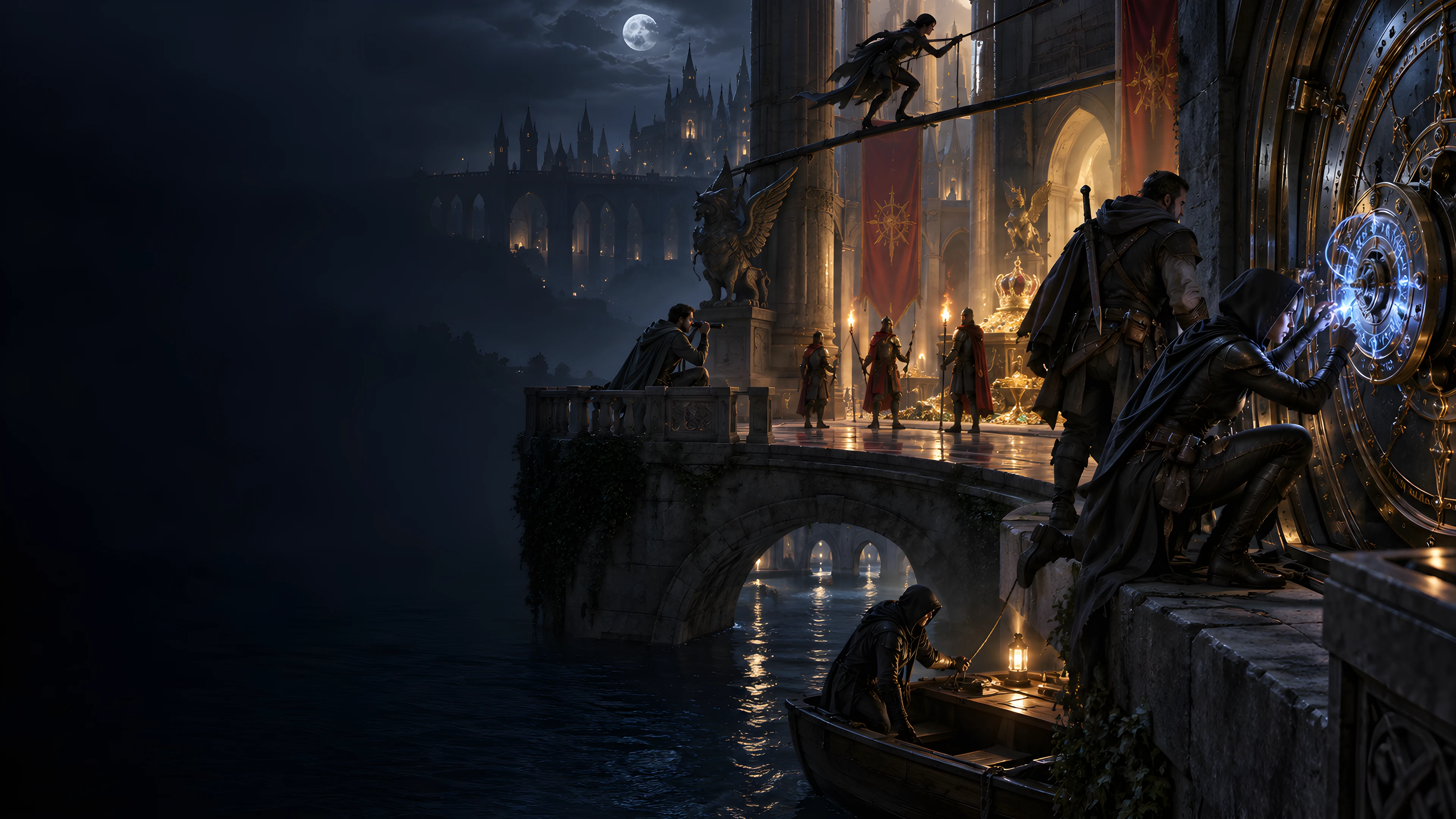
Prepare choices before the job
Start with an authored infiltration dossier and make it fit your campaign.
Choose a target and an objective: recover property, extract a person, copy proof or prepare another defined task.
Review observable clues, possible bypasses and consequences across a perimeter, credential layer and protected core.
Consider service, public and rooftop approaches. Check requirements, risks and fallback options before committing the crew.
Review escape routes and changed objectives alongside contacts, rivals and contingencies. Resolve what happens at the table.

Study the place before entering
Prepare clues, access requirements and fallbacks for the crew.
This fantasy illustration is not an application screen or generated image output.
From a job to a reviewed plan
Quick and Deep share the same builder; Deep reveals additional preparation controls.
Set the target, objective, party tier and security level. Quick retains previously selected Deep values.
Deep exposes guards, wards, schedules, contacts, rivals, timing, violence, approach balance and escape choices.
Read the security layers, approaches, contingencies and audience material. Adapt authored descriptions to your setting.
Use selected rerolls or structured edits, check retained fields, then save manually or export the audience you choose.
What the tool provides
Eight capabilities support reviewed infiltration notes, audience sharing and account records.
Choose the target, objective, party tier and security level. Deep adds access, schedules, contacts, rivals, timing, approach and escape choices.
Review an authored perimeter, credential layer and protected core, with clues, possible bypasses and consequences that leave room to adapt.
Compare service, public and rooftop approaches with requirements, risks and fallbacks. Review escape options separately from the way in.
Prepare contact pressure, rival intent, complications and contingencies. Use suggested clock triggers and outcomes under the DM’s control.
Keep private contact pressure, betrayal conditions and DM key notes in the full plan. Review the selected player briefing before sharing.
Reroll security, schedules, routes, people, complications or escapes. Review retained parameters and audience material after changing the plan.
Save through your DCC session, search records, duplicate a job and reopen results. Same-record saves keep up to ten earlier snapshots.
Copy or download the selected audience JSON. With separate Combat PRO access, prepare one eligible physical confrontation for review.
Choose the situation
Controls describe the scenario; they do not operate live stealth or calculate difficulty.
Prepare a vault, manor, museum, temple, warehouse, ship or fortress with the objective that matters to your campaign.
Review public or private access, guards, mechanical seals, magical-security descriptions and authored patrol windows.
Give optional contact and rival records a place in the job. Review retained betrayal and contingency prose when either is absent.
Use suggested clock triggers, a nonviolent plan or last-resort confrontation context. The DM controls pressure and outcomes.
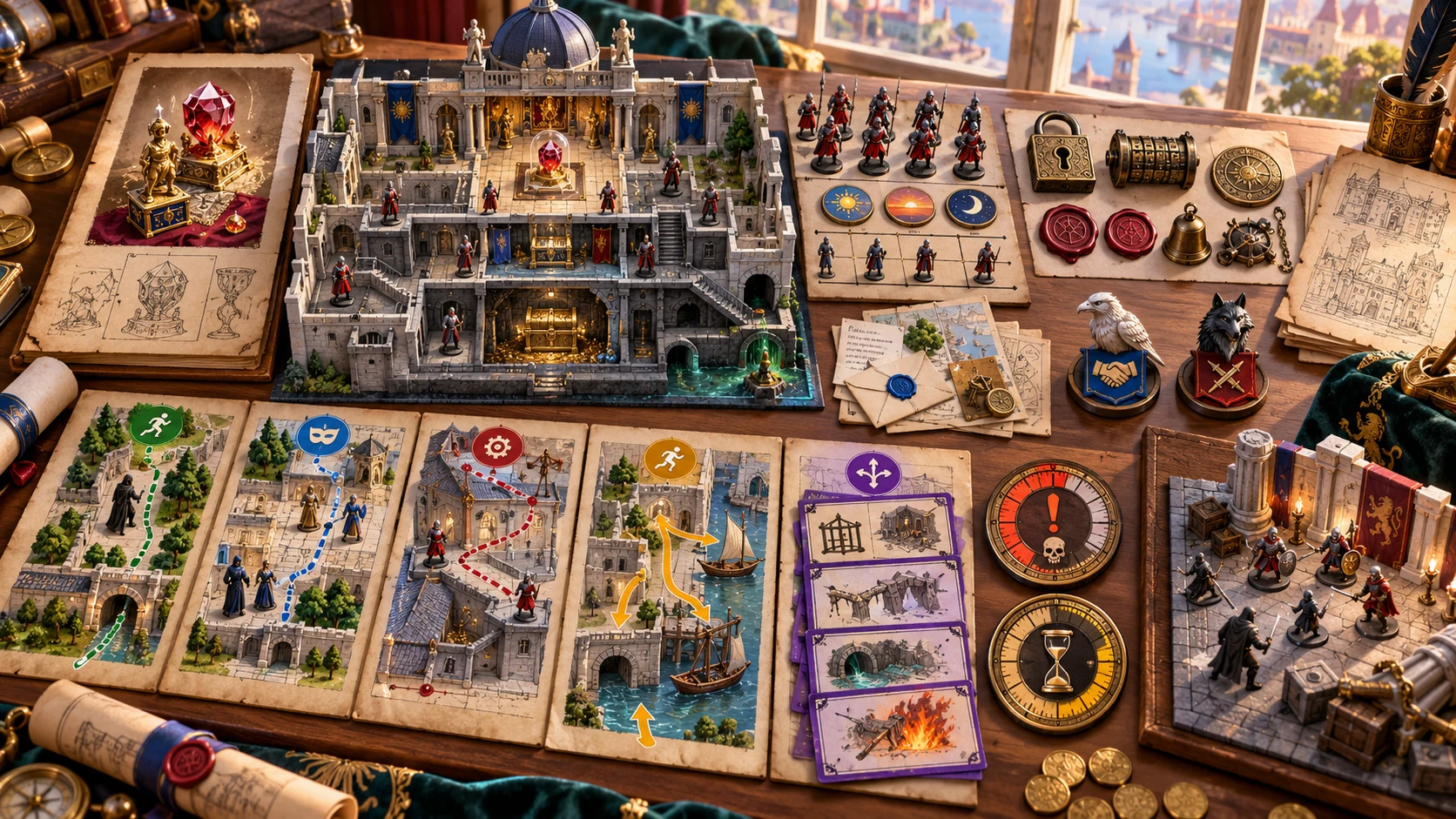
Keep the accepted preparation
Review the plan before using its clues, contacts and contingencies at the table.
This fantasy illustration is not exported application output or a generated map.
Revise with intent
Rerolls, full generation and structured edits preserve different material.
A seed works with a counter. Generating again with the retained seed can become another version of the same job; route material is mostly authored.
Only the selected target lock prevents that scoped reroll. Full generation ignores locks and replaces the result.
Selected revision retains identity, parameters and player briefing. Check them against changed controls, routes, people and scenes.
JSON editing does not rebuild dependencies. Validation checks selected structure and private terms, rather than every relationship or privacy boundary.
Account records and audience review
Manual saves, player exports and Combat PRO preparation have distinct boundaries.
Same-record saves retain up to ten earlier snapshots. Open restores results and notes without restoring generation controls.
Copy or download the selected briefing after checking private material and changes made since it was prepared.
With separate Combat PRO access and capacity, send one eligible scene. Review the imported placeholder and choose suitable owned stat blocks.
The handoff does not activate combat or synchronise subsequent edits. Routes, schedules, alarms and secret-contact state remain in the plan.
Choose access for your toolkit
Heist Generator is a paid standalone tool. Create a free account first, then review your selection and subscription.
Select Heist Generator individually. Creating a free account does not by itself include paid generator access.
Choose a five-generator pack for other eligible standalone tools alongside this one. It provides selection capacity, not automatic access to every product.
Review larger selected-generator packs in your account. Check the generators, subscription and reselection terms before choosing your toolkit.
Combat PRO, Battlemaps and image systems have their own access models. Generator subscriptions do not include image or animation credits.

Prepare observable security, access windows and alternatives.
Review authored prompts and resolve checks, pressure and consequences yourself.
Start Here and How Do I help cover jobs, refinement, sharing, account saves and selected confrontations.
Save deliberately, retain audience exports and review earlier results when revising a job.
Build your tabletop toolkit
Each card opens that product’s website. Review purpose and access separately; related products do not promise included access or automatic synchronisation.

Discover and open your supported Windows products through one connected VISINVOKE account.

Explore environment packs for tactical locations and the places your encounters unfold.
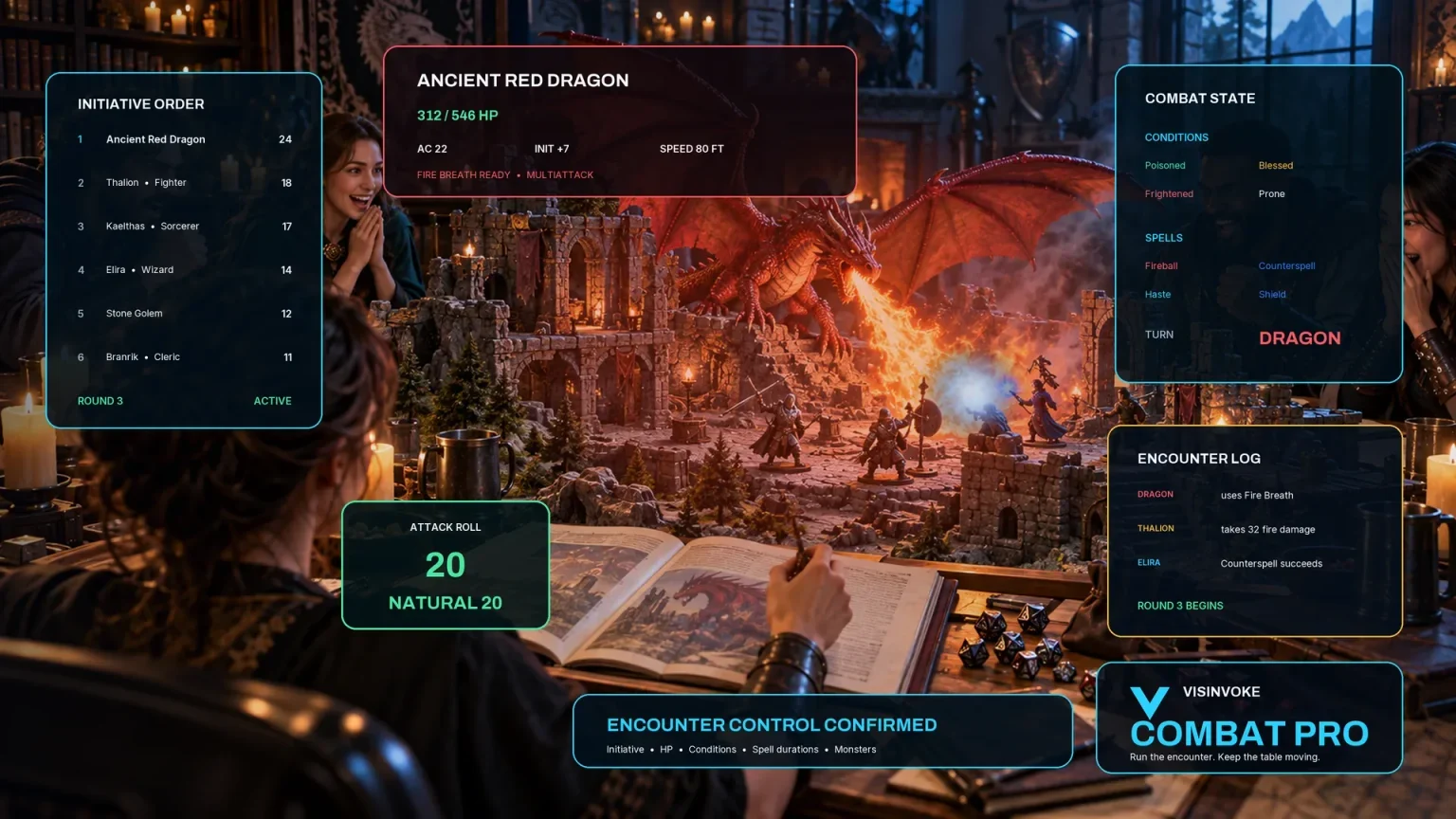
Review prepared opposition, tune creature statistics and run tabletop encounters with its own access.

Create focused character, monster, item and location images to complement your tabletop preparation.

Create guided commercial visuals for websites, brochures and wider creative projects.

Explore a separate futuristic RPG experience with its own world, characters and progression.
Product artwork illustrates heist preparation, not application screens or actual generated image output.
Quick answers
Understand authored material, retained briefings, saved records and selected scenes before opening the tool.
Quick exposes target type, objective, party tier and security level. Targets include a bank or vault, manor, museum or archive, temple treasury, warehouse, ship and fortress. Objectives include stealing, recovering, planting, extracting, sabotaging and copying proof. Deep adds value, public or private access, guards, wards, schedules, contacts, rivals, timing, violence tolerance, approach balance, escape difficulty and betrayal likelihood. Both modes use the same builder. Quick retains previously selected Deep values, and presets adjust selected controls without resetting every other choice. The result is an authored planning dossier rather than a procedural floorplan, live stealth system or difficulty calculator. Party tiers describe the intended planning context; they do not calculate a balanced combat encounter.
The current dossier uses three security layers, three patrol windows, three entry approaches, two social-access routes, three escapes, two complications and four contingencies. Most of this is authored material. Target and objective choices select named descriptions, while several other controls supply planning labels. A seed with a counter chooses among six job names; changing the seed does not promise an entirely new route network or security arrangement. The suggested six-segment clock lists events that can advance pressure, but the DM advances it during play. Choosing no contact or no rival removes that particular record; related betrayal or contingency prose can still need review. Adjust the plan to your setting, reveal useful clues and resolve checks at the table.
Scoped rerolls replace security and alarms, schedules and clock, entry and social routes, people and betrayal, complications and outcomes, or escapes and combat scenes. Only the selected target lock is checked; full generation ignores locks. A reroll uses current controls and a new counter, then keeps identity, parameters, player briefing and every unselected section from the existing result. This can leave new choices beside retained details, and same-control rerolls can keep the same authored prose. Review linked fields and the player briefing after revision. JSON editing does not rebuild dependent fields. Save and combat handoff call limited structural validation, including required sections, minimum routes and a short scan for private terms in player JSON. It does not prove complete consistency or privacy. There is no undo or redo control.
Save manually writes the account library through the existing DCC session. Updating the same record ID retains up to ten earlier result snapshots. The seed determines the record ID, so generating again with the retained seed can save another version of the same job. Search covers title, target, objective and current notes. Open restores the result, current record notes and saved locks in DM view; it does not restore form controls, seed or the generation counter. Earlier results use the current record notes. Duplicate creates a new ID and top-level variant name, but the nested player-briefing name can retain its earlier title and notes come from the current workspace. Review duplicates and reopened controls before saving or rerolling. There is no autosave, offline account fallback, conflict merge, dedicated delete, import or archive control. Avoid conflicting whole-library saves from several windows.
Copy and Download use the full DM result in DM view and only the player briefing when that audience is selected. The generated briefing contains the objective, known intelligence, approaches, escapes, timing and reward. Private contact pressure, rival intent, betrayal conditions and DM key notes stay in the full plan. Current record notes are not part of result JSON exports. Review edited JSON and the retained briefing after rerolls; the limited private-term check is not a privacy guarantee. Print uses the rendered page. Preparation panels and an open structured editor can remain, so finish editing and inspect print preview and page selection before sharing a player view. There is no dedicated PDF or graphical-map export. Website illustrations show the subject of heist preparation and are not application screens or actual generated image output.
The detected-guard scene is eligible unless the job is nonviolent. The escape-fight scene is eligible only when violence is a last resort or high-chaos tolerance is selected. Choose one eligible scene. The handoff prepares its objective, named zones and an inactive boundary note; it does not transfer live stealth, patrol schedules, alarms, secret contacts or the entire heist, and it does not activate combat. It includes a named guard-captain and response-team placeholder asking you to select appropriate owned stat blocks. Remove or replace that placeholder and review the encounter before use. Your existing DCC session, separate Combat PRO entitlement and saved-encounter capacity are required. Repeating the same record and scene is a duplicate acknowledgement rather than synchronising later edits. Wider adventure pacing, full building layouts, political pressure and live skill-check resolution remain separate tasks and products.
Continue in VISINVOKE
Create a free VISINVOKE account and choose the required generator access.
Get Desktop Command Centre from your account installer page. Sign in on Windows, then open Heist Generator.